

Google Search Console.
Google Search Console is the platform where you can submit your website URL for the Sitemap. So after the submission of sitemap_index.xml, then Google Spyders get reach to your Website for the Stats.
Here are the step to step guidelines for easy understanding and submission of your website to the Google.
Note:- If you preferred your search Engine as Google then this blog is for you.
1. Sign in to Google Search Console.
 |
| Google Search Console |
2. In the three line slider bar Enter you website URL.
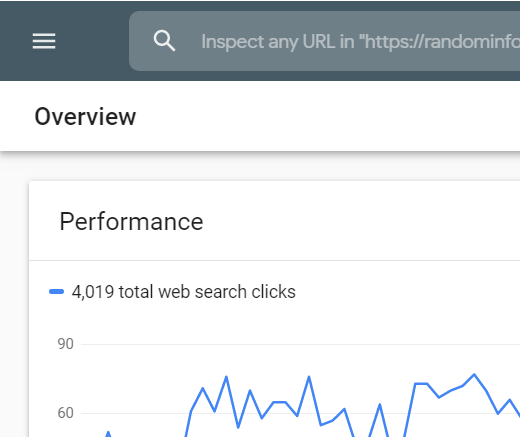 |
| GUI of GSC |
 |
| Click on Slider Bar |
 |
| Click on Sitemap |
4. Remove any out dated or invalid site map if you want.
5. Enter "sitemap_index.xml" in the "Add a new sitemap" field to complete the sitemap URL.
 |
| sitemap_index.xml |
6. Click to submit.


No comments:
Post a Comment